
Div, Section, Span and Article
What is the difference?
While learning HTML, I encountered these four tags that seemingly work the same way. Why are there four tags to perform the same function? Turns out, they don't. What sets them apart from each other? Let's find out.
Table of contents:
1. The Article tag
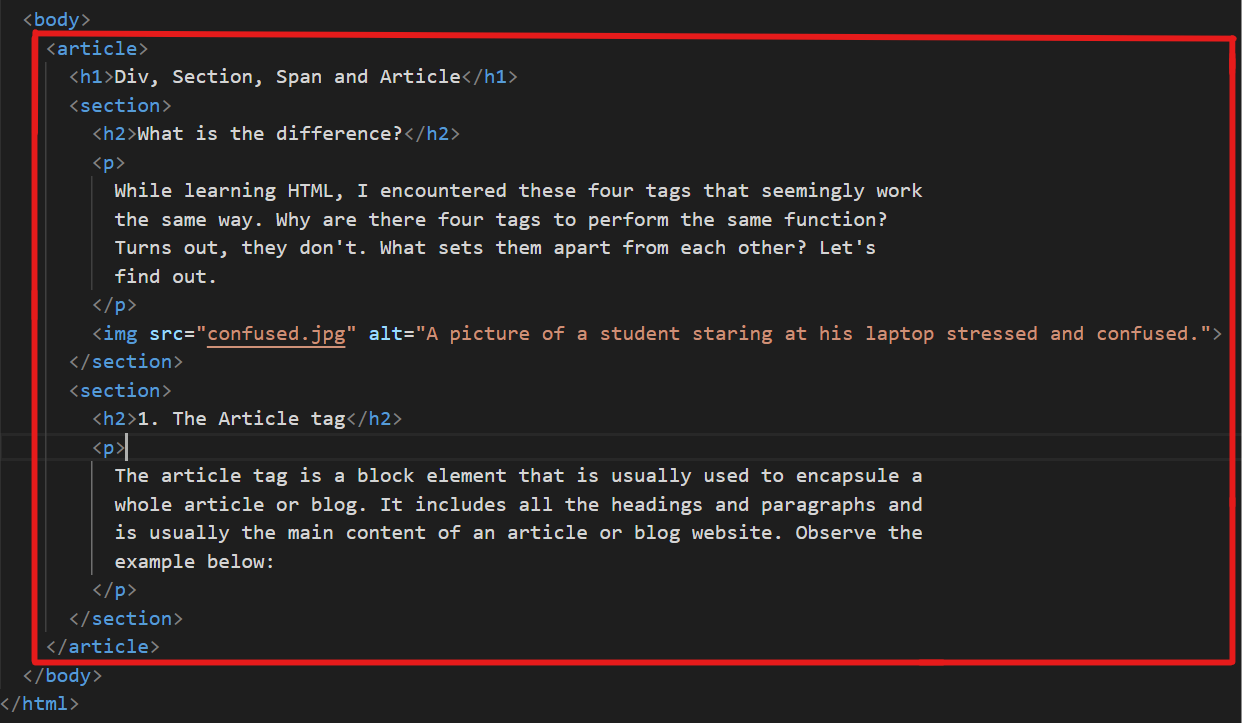
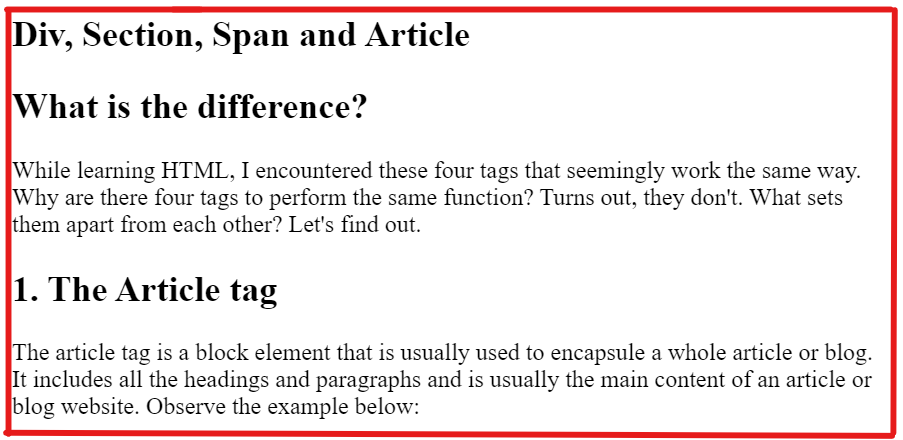
The article tag is a block element that is usually used to encapsule a whole article or blog. It includes all the headings and paragraphs and is usually the main content of an article or blog website. Observe the example below:
2. The Section tag
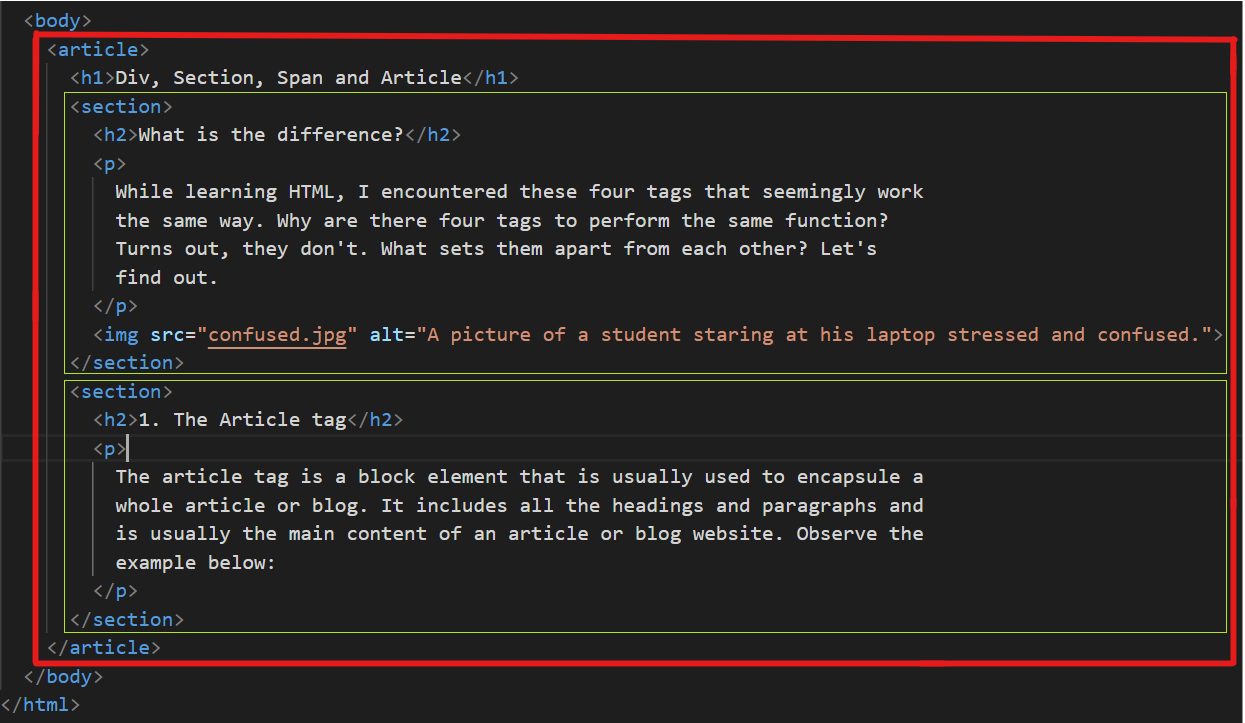
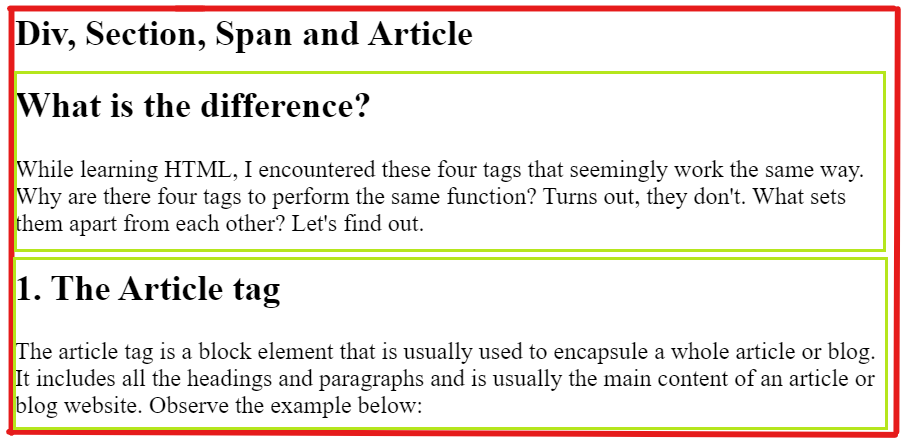
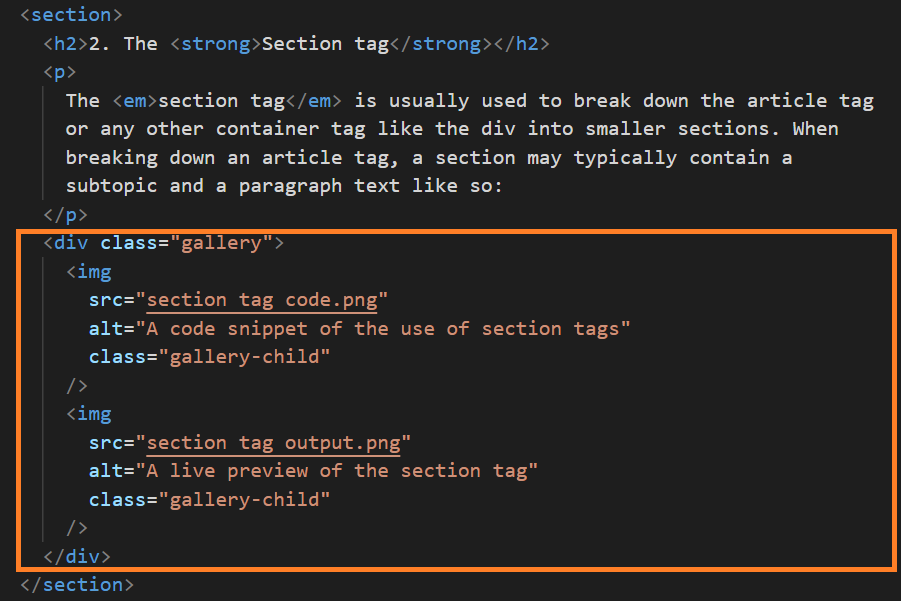
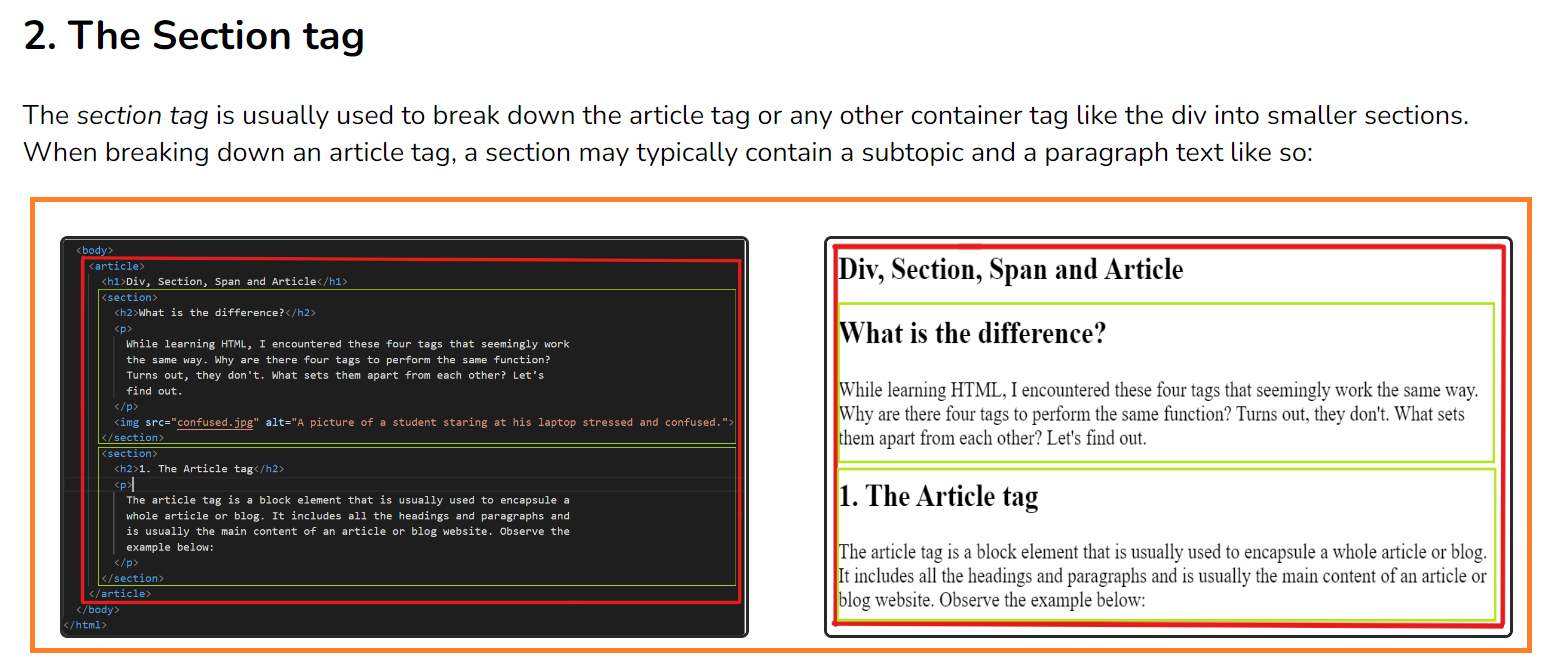
The section tag is usually used to break down the article tag or any other container tag like the div into smaller sections. When breaking down an article tag, a section may typically contain a subtopic and a paragraph text like so:
3. The Div tag
The div tag is a general and generic container. As we've seen, the article tag and the section tag are also containers, but they usually have specific purposes. The div on the other hand is just a generic box that we use to group things together to style them. As you might have noticed, all these three tags serve the same purpose: to create a box or a block or a container. It is for this reason that many use them interchangeably. However, using the right tag for the right purpose helps in improving the readability of your code and making it understandable by a lot. It is therefore encouraged to use the right tag for the right purpose, always. Here, I used the div to hold two images and style them with CSS to get a side by side display:
4. The Span tag
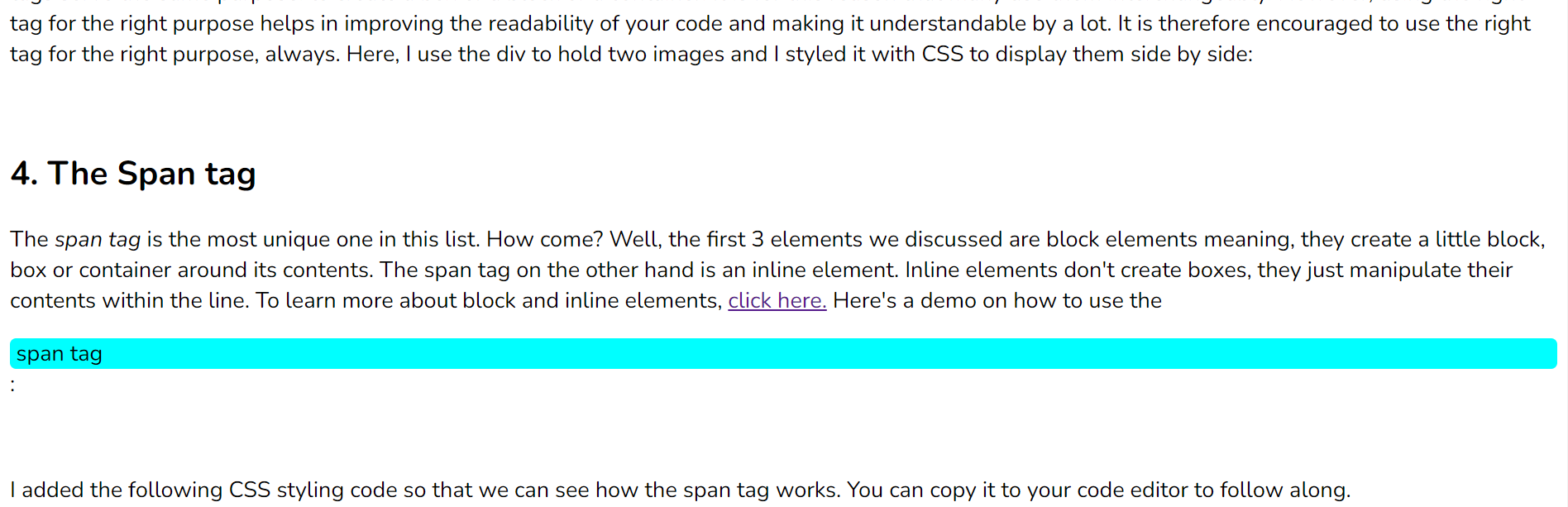
The span tag is the most unique one in this list. How come? Well, the first 3 elements we discussed are block elements meaning, they create a little block, box or container around its contents. The span tag on the other hand is an inline element. Inline elements don't create boxes, they just manipulate their contents within the line. To learn more about block and inline elements, click here. Here's a demo on how to use the span tag:
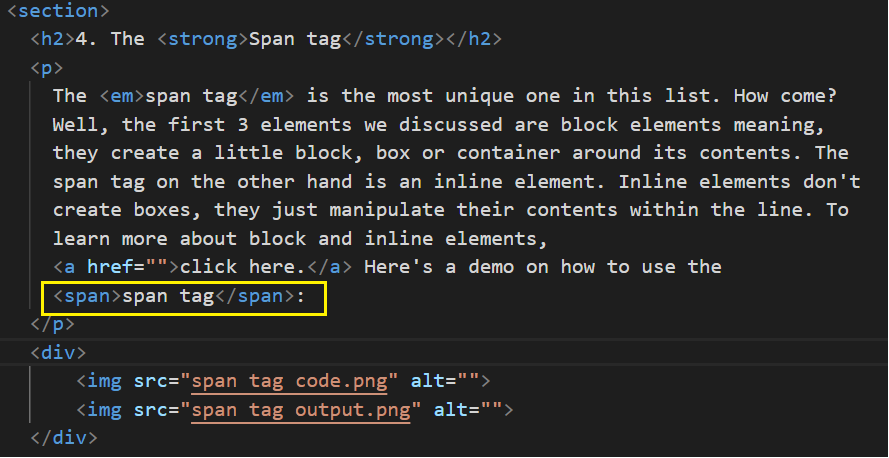
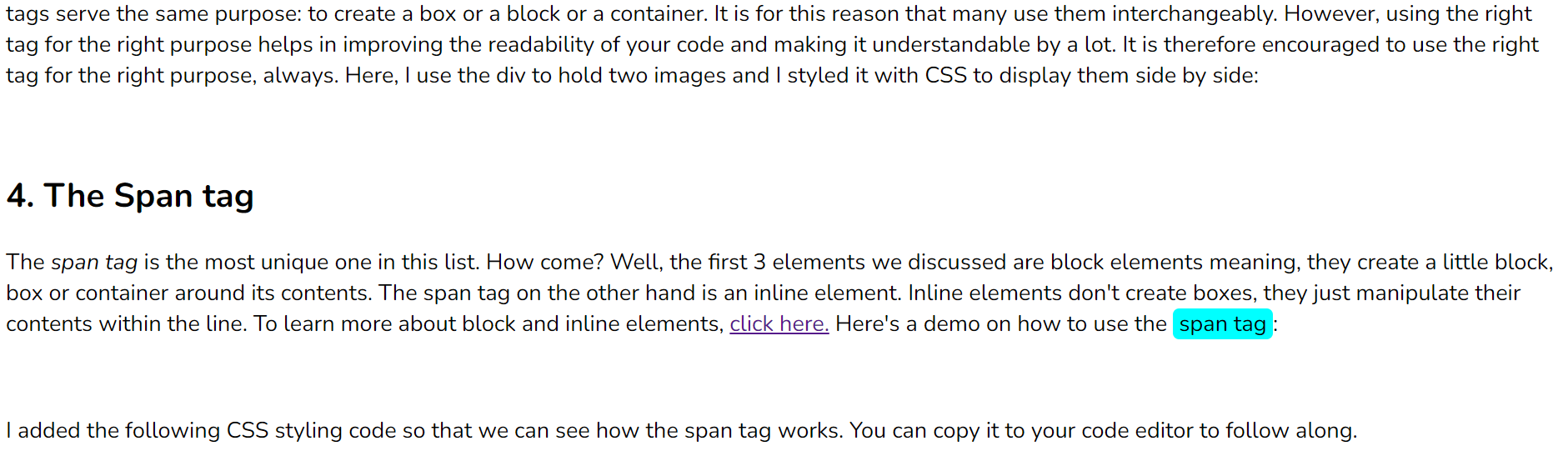
I added the following CSS styling code so that we can see how the span tag works. You can copy it to your code editor to follow along.
            span {
                background-color: aqua;
                border-radius: 5px;
                padding-left: 5px;
                padding-right: 5px;
            }
What happens if we use a block element like div in place of span but with the same styling? Let's see.
By replacing span with div, we can better understand the difference between inline elements and block elements.
That's pretty much about it when it comes to the div, section, article and span tags and their uses. I hope you learned something new. If you enjoyed this blog, consider supporting me by either reading more of my articles, following me on social media or buying me coffee!